
A Linktree alternative with your own domain is worth looking for when your link has become your shop window. Link-in-bio tools are excellent at what they were built for: one short link that leads to several others. A business that runs offers usually needs something slightly different: a page that shows each deal properly, under its own name, and tells you which ones customers act on. This guide explains the difference, what a custom domain gives you, and a checklist for choosing.
1What link-in-bio pages do well
Link-in-bio tools solve a real problem: social profiles allow one link, and you have several things to point people to. A page of buttons, each leading somewhere else, is quick to set up and easy to update. For a creator, a band or a person with a handful of profiles, that is often all that is needed.
Linktree is the best-known example. Its pricing page, checked on 22 October 2026, lists four plans: Free, Starter at $7 a month billed annually ($9 monthly), Pro at $14 ($17 monthly), which adds removing Linktree branding, and Premium at $30 ($35 monthly). The page does not list a custom domain on any plan.
2When a business needs more than a list of links
A shop's link is doing a different job. Customers who tap it want to know what is on offer now. That changes what the page needs to show:
| What customers want | A list of links | An offers page |
|---|---|---|
| What is on offer today | A button per offer, with a title | Each offer with its price, discount and terms |
| Whether an offer is still valid | Unless you remove it, it stays | Offers can end on their date |
| Where to go next | Another site, one tap away | The deal's own page, or wherever you link it |
| Who they are dealing with | The tool's name in the address | Your name, on your own domain |
Neither is better in general. The question is which job your link is doing.
3Why your own domain matters
- Trust. A link with your shop's name in it looks like yours, because it is.
- Portability. If you ever change tools, a link on your own domain keeps working: every bio, profile and printed QR code still points to the right place.
- Memorability. Customers can type it from a shop sign or a receipt.
Check whether a custom domain is included in the plan you will actually use, not only in the most expensive one.
4A checklist for choosing
- Can you use your own domain, and on which plan?
- Can each item show a price, a discount and terms, not just a title?
- Can offers end automatically on a date?
- Can you organise items into categories?
- Can you add your logo, cover and contact details?
- Do you see clicks per item, with repeat clicks filtered out?
- How do you pay, and is there a free trial?
- Can customers open it on any phone without installing anything?
5What it really costs
Compare tools on the plan you would actually need, not the cheapest one. Work out, for each tool:
- The monthly price of the plan that includes everything on your checklist, especially your own domain and branding removal.
- The yearly price, since most tools discount annual billing.
- The domain itself, which you buy once a year from a domain registrar whichever tool you choose.
- Your time, to keep offers current: a tool that ends offers on a date saves an evening a month.
6How to switch without losing customers
- Build the new page and check it on your own phone.
- Replace the link in your social bios and your WhatsApp Business profile on the same day.
- Update printed QR codes at the counter and on packaging over the following weeks.
- Keep the old page live with a single link to the new one until the printed codes are gone.
- Watch the clicks for two weeks to confirm customers are finding the new page.
7Where DealWisp fits
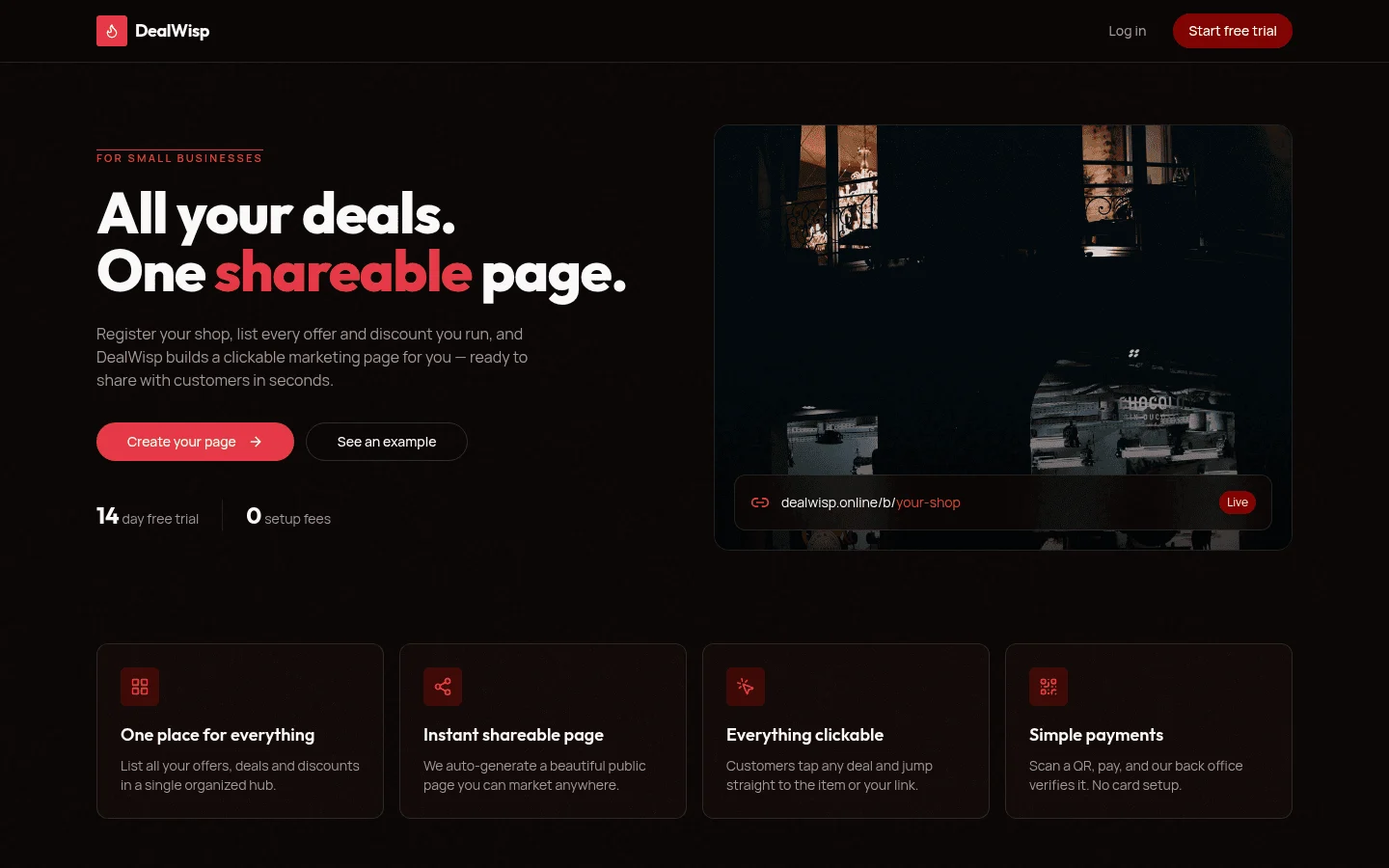
DealWisp is built for the offers job. You register your shop, list every offer and discount in categories, and DealWisp builds a branded page with one shareable link. Each deal is clickable, offers can expire automatically, click analytics filter out repeat clicks, and the higher plans include your own domain. It starts with a 14-day free trial and no setup fee. If you share offers mostly on WhatsApp, see how it works as a WhatsApp offers page for shops.
Sources
- Linktree, Pricing — last verified 22 October 2026
- DealWisp, home page — last verified 22 October 2026
Rates, thresholds and rules change. Confirm current figures with the issuing body or your advisor before relying on them.