
Gym membership fees go uncollected for a simple reason: the machine at the door knows who walked in, the fee register knows who has paid, and nobody compares the two until month-end. Linking biometric attendance to membership fees puts both answers on one screen at the moment a member scans. This guide covers the rules to agree first, the device options, a worked example of what unlinked records cost, and a setup checklist.
1What is the problem with two separate lists?
A fingerprint terminal knows who walked in. The billing list knows who has paid. When the two never meet, staff reconcile them from memory, and chasing dues becomes an awkward conversation at the desk.
2What changes when they are linked?
Each check-in is compared with the member’s plan expiry and outstanding dues. Paid members walk straight in. Members with dues are flagged to the front desk with the amount owed, and a reminder is queued, so the conversation starts from facts.
3What it costs to keep them apart: an illustration
The numbers below are illustrative, not from any one gym. Take a single branch with 400 active members on a Rs 5,000 monthly plan:
| Every month | |
|---|---|
| Fees due | Rs 2,000,000 |
| Members who train for two weeks past expiry before anyone notices: 30 | 30 × half a month = Rs 75,000 of training not paid for |
| Members on a partial payment whose balance is forgotten: 15 at Rs 2,000 | Rs 30,000 |
| Leakage | Rs 105,000, about 5% of fees due |
Your figures will differ. The point is that each item is invisible when attendance and fees sit in different places, and obvious when they sit on the same record.
4Which rules should you decide up front?
- How many grace days after a plan expires?
- How are partial payments treated?
- Can a plan be frozen for travel or injury?
- Who is allowed to override a flag, and is it logged?
5Flag, hold or block: choosing a door policy
| Policy | What happens at the scanner | Good for | Risk |
|---|---|---|---|
| Flag only | The member walks in; the desk sees the amount due | Friendly gyms, members who usually pay late but pay | Dues pile up if nobody follows up |
| Hold with grace | Allowed in during a grace period, then held for the desk | Most gyms | Needs a clear grace rule everyone knows |
| Block | Refused entry until payment | Gyms with chronic non-payment | Arguments at the door; needs an override for staff |
Whichever you pick, put it in the membership terms and on a notice at the desk, so the scanner is enforcing a rule members already know.
6How should devices and fallbacks work?
Terminals such as ZKTeco devices push punches into the system. Keep a manual check-in option for outages, and record every override so you can review them later.
Choosing a check-in method
| Method | Cost | Can be shared? | Notes |
|---|---|---|---|
| Fingerprint terminal | Low to moderate | No | Familiar; struggles with worn or wet fingers |
| Face terminal | Moderate to high | No | Touch-free and fast for queues |
| Card or key fob | Low | Yes | Cards get lent to friends |
| QR code on a phone | Very low | Yes | Screenshots get shared |
| Desk check-in | Staff time | No | Always keep it as the fallback |
7Which reports are worth reading weekly?
- Attendance against plan expiry, to spot members drifting away
- Outstanding dues by member and by branch
- Revenue, expenses and growth across branches
8How should membership plans be structured?
Keep plans simple enough that front-desk staff can explain them in a sentence: duration, price, what is included and any restrictions such as peak hours or branch access. Every extra rule is another exception the system has to handle and another dispute at the desk.
Record the start date, the expiry date and the amount paid on every plan, so renewals, freezes and refunds all have a clear starting point.
9How do you reduce failed renewals?
- Send a reminder a week before expiry and another on the day.
- Let members pay from their phone, not only at the desk.
- Offer a short grace period, then flag the member, rather than blocking them without warning.
- Follow up with members whose attendance has dropped, before they leave.
10What about privacy and biometric data?
Fingerprint data is personal and sensitive. Tell members what you collect and why, store templates securely and only as long as needed, and give a manual alternative to anyone who prefers not to use the scanner. Check the data-protection rules that apply in your country.
11Telling members about the change
Members accept a new check-in rule far more easily when they hear about it before they meet it at the door. A short plan works:
- Announce it two weeks ahead, at the desk, on the notice board and in your members' group, with the date it starts.
- Explain the why in one line: fair for members who pay on time, and quicker at the door.
- Say exactly what happens when a plan expires: the grace days, and how to renew.
- Offer to enrol fingerprints or faces in advance, so the first morning is not a queue.
- Remind members whose plans expire in the first week, so nobody is surprised on day one.
12A setup checklist
- Agree grace days, partial-payment rules, freezes and who can override.
- Clean up the member list: one record per person, with plan, start, expiry and balance.
- Import members from your spreadsheet and fix any rows that fail.
- Connect the terminal and enrol fingerprints or faces.
- Test with one paid member and one expired member.
- Train the desk on manual check-in and overrides.
- Read the dues and expiry reports at the end of the first week.
13Putting it into practice
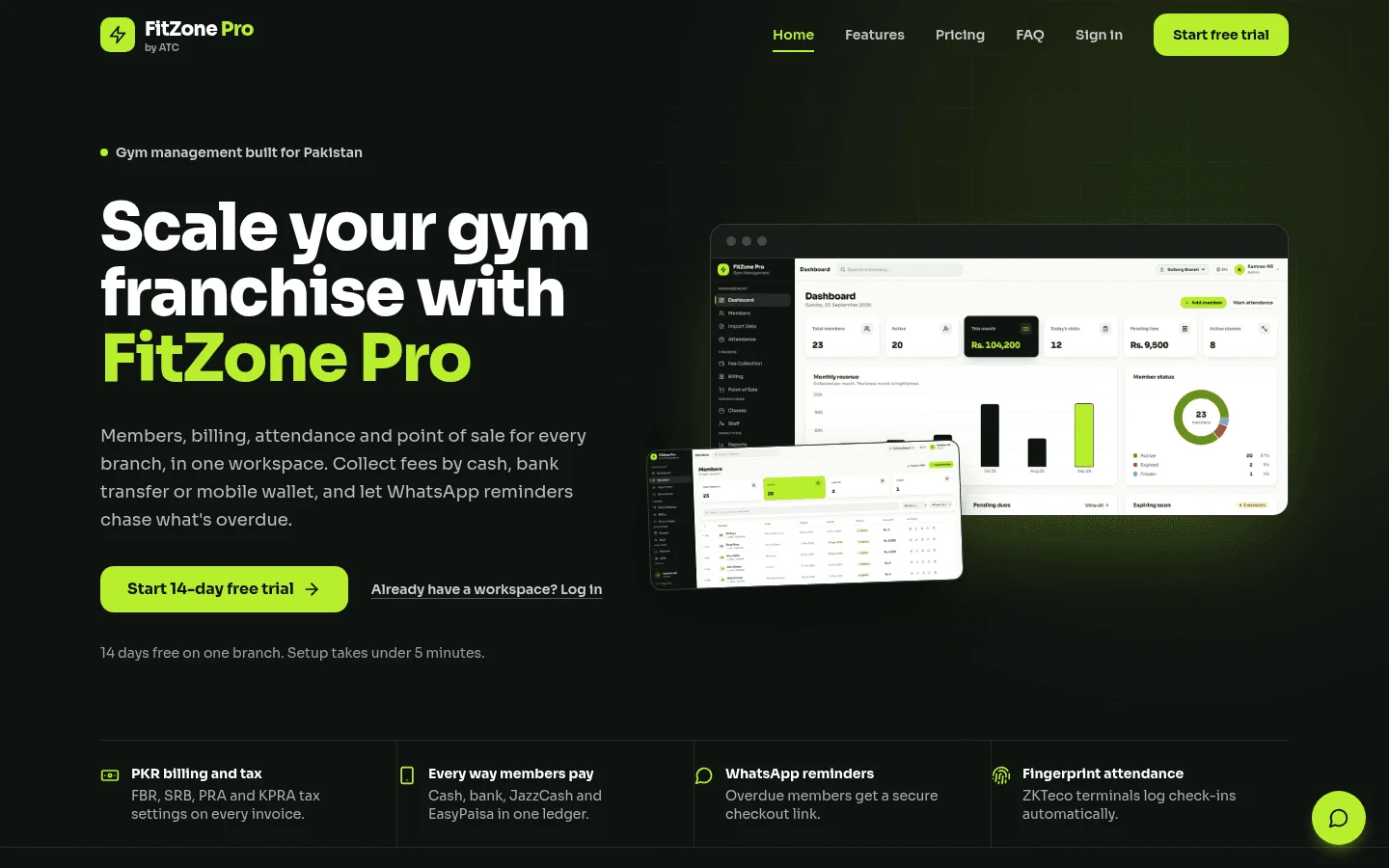
FitZone Pro brings every scan from the ZKTeco machine at your entrance onto the member's record, beside their plan, payments and expiry date, alongside classes, retail, staff and multi-branch reporting. See how the device connects on our ZKTeco gym software page. Start with one branch, agree the rules above with your front-desk team, and expand once they work.
Sources
Rates, thresholds and rules change. Confirm current figures with the issuing body or your advisor before relying on them.