
Pharmacy online store software lets a pharmacy take orders on the web without running a second shop on the side. PharmaFlow gives every pharmacy an online store on the same stock as its counter. The hard part is not the website; it is keeping the online store honest about what is on the shelf, which batch goes out, and what must never be sold online at all. This guide explains what an online store for pharmacies should do, how an order should flow from click to delivery, and the questions to ask before you choose one. It applies whether you are building a pharmacy ecommerce website from scratch or want to sell medicines online from your pharmacy with the system you already use.
1Why a separate online shop goes wrong
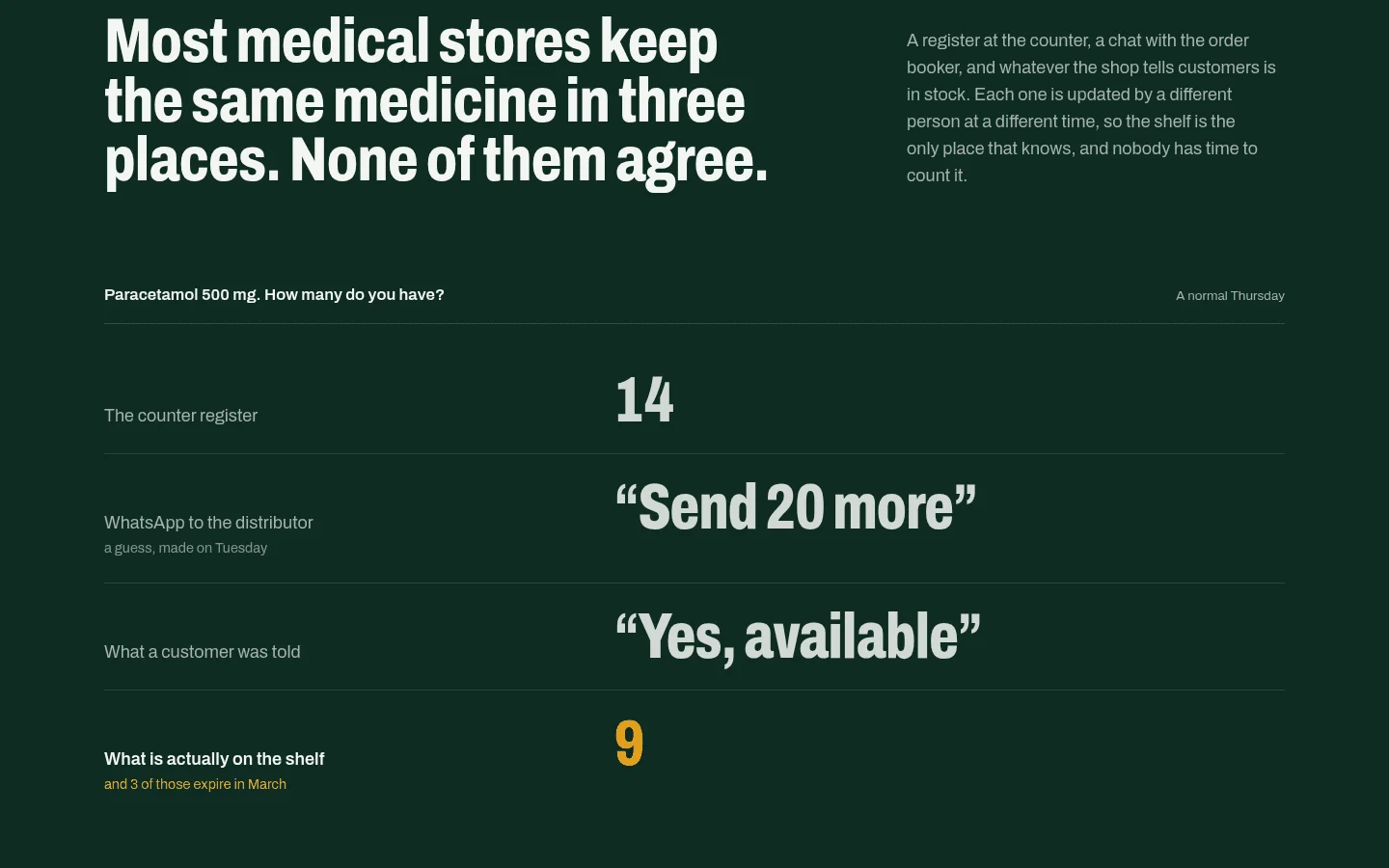
Many pharmacies start online with a general ecommerce site and a spreadsheet. It works for a few weeks. Then the problems arrive, and they are almost always the same three:
| Problem | What happens | Root cause |
|---|---|---|
| Overselling | A customer orders the last box online after the counter sold it | Two stock counts that only meet at night, if at all |
| Wrong batch | The online order is packed from the nearest box, not the one that expires first | The shop knows products, not batches |
| Price drift | The website shows last month's price | Prices kept in two places |
Each one costs more than it looks. An oversold order means a call to an unhappy customer. A wrong batch means stock with a later expiry goes out while older stock sits until it expires. Price drift means either lost margin or a complaint.
All three disappear when the online store is not a separate shop but a window onto the same stock record the counter uses.
2What pharmacy online store software should do
One stock record, batch by batch
The store should read the same stock as the counter, held batch by batch with each batch's expiry date. A counter sale and an online order should come off the same number. In PharmaFlow, an online order and a counter sale are deducted from the same batch-by-batch stock, earliest expiry first, so the last strip is never sold twice.
Earliest-expiry-first picking online, too
First-expired, first-out (FEFO) matters as much online as at the counter. If the system picks the batch that expires first for every online order, the packer does not have to decide, and older stock moves before it expires. Our guide to FEFO batch and expiry tracking explains why FEFO beats first-in, first-out for medicines.
Only what you have, at your counter price
The store should list what is in stock, at the price the counter charges, and nothing else. When the price changes at the counter, it changes online. When a product runs out, it leaves the store.
No prescription-only medicines
Prescription-only items should stay off the online store altogether. The simplest rule is the safest: if it needs a prescription, it is sold at the counter, where the prescription can be checked.
Your brand, not a marketplace's
Customers should see your pharmacy, not a platform. Look for your own name, logo and colour, and ideally your own domain, so the store builds your reputation rather than someone else's.
Delivery and payment that fit how you work
Pharmacies deliver in different ways. Useful options include:
- cash on delivery, paying in store, or an online payment where it is switched on;
- delivery by your own rider, or a courier booked from the order;
- order tracking for the customer, ideally with nothing more than their phone number.
3How an online order should flow
A good flow keeps the counter and the store in step at every stage:
- The customer browses a store that shows only items in stock, at counter prices, with prescription-only items excluded.
- The order is placed and stock is reserved from the earliest-expiring batch at once, so the counter cannot sell the same pack.
- The order is packed. The batch to pick is already chosen; the packer does not guess.
- Delivery is arranged: your rider, or a courier booked from the order.
- The customer tracks the order with their phone number until it arrives.
- The sale lands in the same reports as counter sales, so daily totals, stock and reorder lists are already right.
If any step needs someone to retype an order or adjust stock by hand, that is where errors will come from.
4How the online store connects to reordering and returns
An online store adds demand you did not have before, which makes ordering harder to judge by eye. When both channels draw on one stock record, the reorder list sees every sale, online and at the counter. In PharmaFlow, low stock joins the reorder list, with connected suppliers compared on price and delivery record.
The same stock record also helps with returns. Stock within 60 days of expiry is suggested for return, grouped by supplier, so near-expiry packs go back for credit instead of sitting in the online catalogue until they expire. Our guide to pharmacy expiry loss shows how much of a pharmacy's write-off comes from missed return windows.
5Checklist before you launch
- The store reads the same batch-by-batch stock as the counter.
- Online orders are deducted from the earliest-expiring batch.
- Prescription-only items are excluded from the store.
- Prices come from the counter, not a second list.
- Delivery options (rider or courier) and payment options are set up.
- Customers can track an order without creating an account.
- Online sales appear in the same daily reports as counter sales.
- Someone owns the online orders queue every day.
6Questions to ask a vendor
- Does the online store use the same stock record as the counter, or does it sync on a schedule?
- Is stock held batch by batch, and which batch does an online order take?
- How are prescription-only products kept off the store?
- Can the store carry our name, logo and domain?
- Which payment and delivery options are available, and can customers track orders?
- Do online sales feed the reorder list and supplier returns automatically?
- What does the store add to the monthly price, and which plan includes our own domain?
7Build or buy?
For most pharmacies, buying is the right call: the rules above are the same everywhere, and a ready system already handles them. Building makes sense for a chain with unusual processes or integrations that no product covers. If that is you, see our POS software development services and what POS software development costs.
8The bottom line
An online store is only as good as the stock record behind it. Choose pharmacy online store software that sells from the same batch-by-batch stock as your counter, picks the earliest-expiring batch for every order, keeps prescription-only items off the store and shows your own brand. Then the online channel adds sales without adding mistakes. See how PharmaFlow does it.