
Pharmacy inventory software for small pharmacies has three jobs. It records the batch number and expiry date when stock arrives. It sells the earliest-expiring stock first. And it runs the counter, the online store and the reorder list from one stock number. If a tool does not do all three, a spreadsheet is still doing the real work. PharmaFlow, pharmacy POS software is Treevoxa's product in this category. This guide sets out the criteria to test it, and any other tool, against.
1What does pharmacy inventory software for small pharmacies do?
A spreadsheet can count units. It cannot stop the counter from selling a pack that expired last month, and it cannot tell you that the same stock has been promised twice. Those are the failures that cost a small pharmacy money.
Good software stops them where they start. Stock is recorded by batch when it is received, not typed in at the end of the week. At the till, the system selects the batch to sell. Every sale, return and transfer changes the one stock number that the online store and the reorder list read from.
Purchase orders, supplier price comparison and basic reports matter too, but they come second. A tool that gets receiving and selling right beats one with a long feature list that gets them wrong.
2Which pharmacies does this guide cover?
This guide is for independent pharmacies in the United States that dispense prescriptions and sell retail products, with one to a few sites. It does not cover Canadian pharmacies, because Canadian rules differ and are not covered here. If you run a pharmacy in Canada, contact us and tell us what you need.
Chains, hospital pharmacies and distributors have different needs. They usually need enterprise systems or robotic dispensing, so the criteria below will not be enough for them. The table shows where you fit.
| Pharmacy type | Main stock problem | Fit for this guide |
|---|---|---|
| Independent counter pharmacy | Expiry losses, slow manual counts, reorders from memory | Core audience |
| Independent pharmacy with a retail range | Retail products mixed with dispensed items, batch dates kept on paper | Good fit if dispensed items carry batch and expiry |
| Multi-site chain with central buying | Transfers and purchasing across many branches | Out of scope |
| Hospital or ward pharmacy | Ward dispensing and automated cabinets | Out of scope |
| Distributor or wholesaler | Volume purchasing and lot tracing across customers | Out of scope |
3What must the software record for each batch?
For every batch, the record should hold:
- Batch number and expiry date, entered at receiving
- Supplier and purchase reference
- Cost price at receipt
- Quantity received, in units and pack sizes
- Current status: available, reserved, quarantined, recalled or expired
- Every sale, return, transfer and adjustment against that batch
- Storage location, if you keep stock in more than one place
Batch and expiry tracking only works if each batch record is complete. A blank expiry date is worse than no software, because it hides the problem until the product is already past its date.
Receiving: batch, expiry and supplier
Log every delivery when it arrives. Scan or type the batch number and expiry date from the pack, and record the supplier and cost at the same time.
Without a batch and expiry date at receiving, FEFO cannot work. The counter has no order to follow.
Check what happens when the same product arrives with two batch numbers. The system should create two lines, not merge them.
Counting: units, pack sizes and totals
Staff must count in the units the system uses. If the system stores a box of 28 tablets as one pack but the shelf count is in single tablets, the totals drift on every count. Agree one way of recording each product and write it down.
Totals must update on every sale, return and transfer. A total that only changes at month end is a stock list, not inventory control.
4How does FEFO work at the counter?
FEFO means First Expired, First Out. When a sale is made, the system should take stock from the batch that expires soonest, and move to a later batch only when the earliest one is used up. Quarantined or recalled batches should be blocked from sale altogether, not just moved down the list.
For the wider picture of how batches are picked, read FEFO inventory for pharmacies: batch and expiry tracking explained.
What matters at the counter is what the screen does. When staff scan a product, the screen should select the batch that expires soonest and show its expiry date. If someone picks a different batch, the system should record it as an override, with who did it and why. Some tools suggest a batch but do not enforce it. Ask which kind yours is.
Test this in the demo. Load a product with at least two batches, then run a set of sales through the counter. Work out the share of sale lines the system fills from the earliest-expiring batch without an override.
A high override rate usually points to receiving or labelling problems, not only to staff habits. If the wrong batch keeps appearing, check whether the expiry date was keyed in wrongly when the stock arrived.
Some systems also flag batches a set time before expiry. The timing matters less than who receives the alert and whether anyone acts on it.
5How does one stock number serve every channel?
The failure shows up at checkout. If the counter, the online store and the reorder list each keep their own count, a customer can order packs that the counter sold an hour earlier. One stock number means every channel reads and writes the same record.
The table follows one batch from receipt to sale. The quantities are illustrative. They are not a benchmark and do not come from any real pharmacy. The reorder level in this example is 50 units, checked against available stock.
| Step | Movement | On hand | Reserved online | Available | Reorder status (level 50) |
|---|---|---|---|---|---|
| 1. Delivery received | +60 | 60 | 0 | 60 | Above level |
| 2. Online order placed | Reserve 10 | 60 | 10 | 50 | At level, no action |
| 3. Counter sale | -5 | 55 | 10 | 45 | Below level, reorder entry created |
| 4. Online order dispatched | -10 | 45 | 0 | 45 | Still below, entry stays open |
The same stock number drives all three channels. The counter sale and the online reservation come off one count, and the reorder list reads the result.
Test this in the demo. Place an online order and make a counter sale on the same product, then check the available figure and the reorder list. If the two channels disagree, the system is not using one stock number.
6What do controlled substances records need?
Software cannot make a pharmacy compliant with the rules for controlled substances. The pharmacy and its staff remain responsible for that. What good software does is make the required count quick, complete and easy to produce when an inspector asks.
The rules below are a summary, not legal advice. Federal rules sit in Title 21 of the Code of Federal Regulations, Part 1304, and states add their own requirements. Rules change, so confirm the current text and check with your state board before you rely on any of this.
Ask any vendor to confirm in writing what regulatory status it claims for its product. Treat a claim without written support as unproven.
Which fields the record must show
The items in the table come from secondary summaries of 21 CFR 1304.11, which covers inventory records. Check the exact wording in the current eCFR text before you rely on it.
| Item the record must show | What the software should hold | What to check in a demo |
|---|---|---|
| Drug name | Product name, linked to one stock number | Search returns every batch of that drug |
| Dosage form | Tablet, capsule, liquid and so on, stored on the item | Form prints on the count sheet |
| Strength | Strength per unit, kept separate for each product | Two strengths of one drug stay as separate lines |
| Units | Unit of count and pack size | Count sheet and sales use the same units |
| Total quantity | Running total updated on every sale, return and transfer | Total equals the sum of batch balances |
| Batch or lot record | Batch numbers, balances and movement history | A batch prints with all its movements |
How often counts happen and how long records are kept
Federal rules require a complete controlled substances inventory at least every two years, and the completed count must be kept on file. Health Law Alliance summarises the biennial rule and the counting methods.
The counting method depends on the schedule. Schedule I and II stock must be counted exactly. For Schedule III to V stock, an estimate is allowed unless a container holds more than 1,000 units, in which case the count must be exact. RxByState sets out the same threshold. Confirm it in the regulation before you rely on it.
Federal rules generally require records to be kept for at least two years under 21 CFR 1304.04. Some states set longer periods. The period that applies to you is the one your state board sets, so confirm it there before you decide how long your software keeps records.
States also add their own rules. Texas, for example, requires some classes of pharmacy to keep a perpetual inventory of Schedule II drugs under its Administrative Code. That is a Texas rule and does not apply in New York or any other state unless its own board requires it. See 22 Tex. Admin. Code §291.17.
Imagine a two-site pharmacy in New York. If both sites share one stock number per product, the count sheet comes from one record. If each site keeps its own spreadsheet, someone has to reconcile two sources before the count is complete.
7What does pharmacy inventory software cost?
Most of the cost sits in four parts: the subscription or licence, set-up and data migration, training, and ongoing support. A headline monthly price rarely includes all four.
Our advice is to ask every vendor for a written quote that itemises each line in the table below. If a vendor will not itemise, treat that as a finding in itself.
We do not quote third-party prices in this guide. A figure you cannot trace to a dated source on the vendor's own site is one to ignore.
| Cost line | What to ask for in writing | Why it matters |
|---|---|---|
| Subscription or licence | Price per site, per user or per month, and what it includes | Sets the running cost |
| Hardware | Scanner, label printer and receipt printer: bought or rented | Often missing from the first quote |
| Set-up and configuration | Fixed fee or hourly, and what is covered | Sets the launch cost |
| Data migration | Who cleans and loads the stock file, and at what cost | Messy stock files add time |
| Training | Sessions, staff covered, on-site or remote | Counter staff need to learn overrides |
| Support | Hours, response times and any extra charges | Matters most when the counter is open |
| Add-ons | Online channel, supplier integrations, analytics | Check whether they sit inside the plan |
| Exit | Full data export, its format and any charge | Ask now, not when you leave |
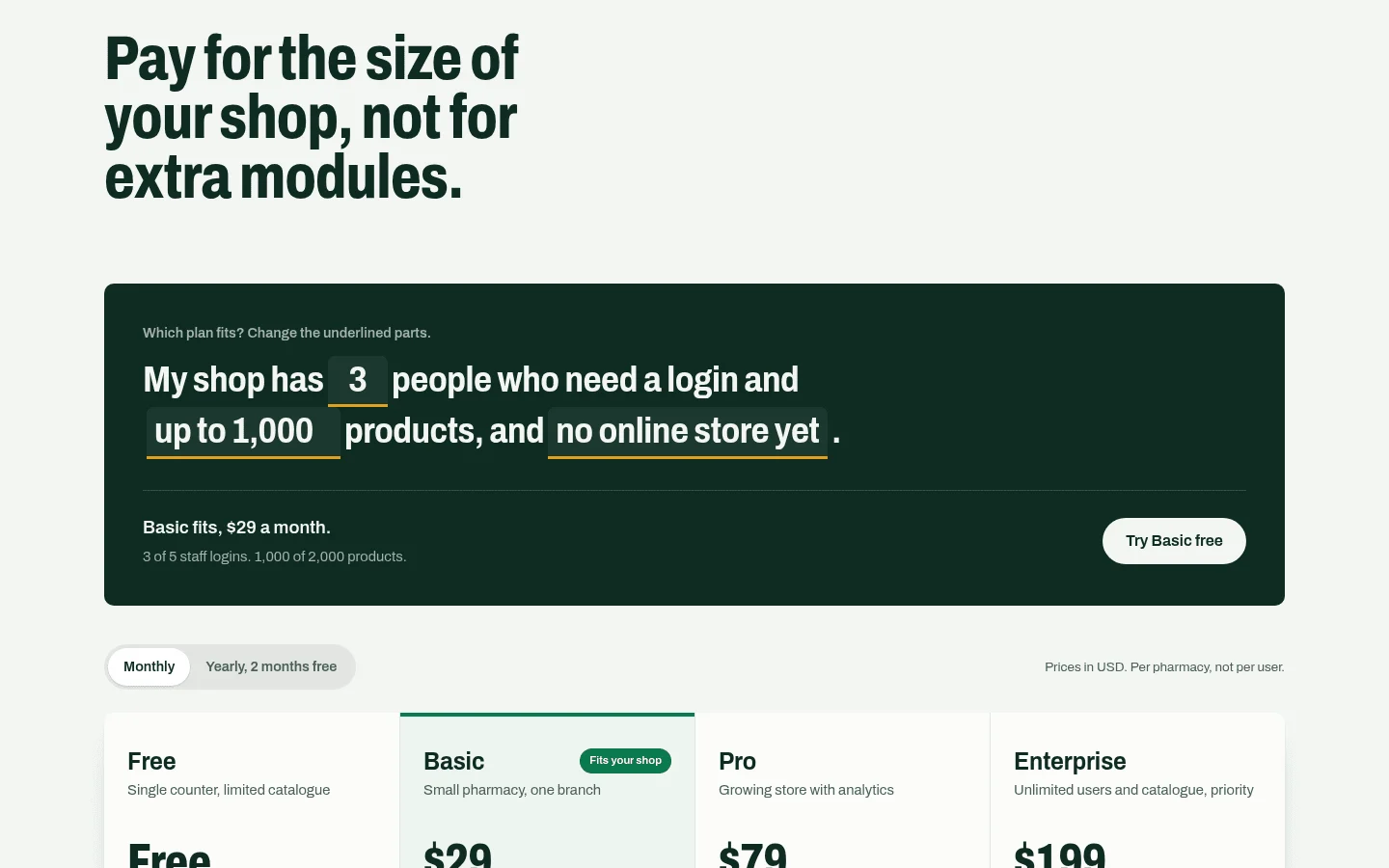
Current PharmaFlow plans are listed on the product pricing page.
8What should you ask a vendor before you sign?
Put each question to the vendor, then test the answer with your own stock file. A good answer is one you can see working on your data, not one you are told about.
| Question | Why it matters | What a good answer sounds like |
|---|---|---|
| Does one sale update stock, the ledger and the dashboard at once? | Separate updates cause mismatches between counter and reports | Yes, in the same transaction, shown live on your data |
| What happens when the internet drops, and can the counter keep selling? | Lost or duplicated sales are common after an outage | A clear offline mode, with what syncs later and how conflicts are resolved |
| Does the system enforce FEFO when staff pick stock, or only suggest it? | A suggestion is easy to ignore on a busy counter | States which it does, and shows the override log |
| Which controlled substances fields and reports are included? | Some are add-ons, and some are missing | Lists the fields and reports, and produces a count sheet in the demo |
| Will you confirm in writing any regulatory status you claim? | Overstated compliance is a real risk | Confirms in writing, or says it makes no such claim |
| How are supplier prices compared and purchase orders raised? | Price and order errors hit margin | Shows a supplier price comparison and a purchase order raised from a reorder list |
| What do set-up, data migration and training cost? | Overruns often sit in these lines | Gives a written figure with what is included |
| Can we export all our data, and in what format? | Lock-in is expensive to escape | Full export in a standard format, with any charge stated in writing |
9How do you move off spreadsheets without losing stock?
Plan the move as a sequence, and agree the timing for each step with the vendor before you start.
- Count the shelves. Do a full physical count before you load anything. This is your starting point.
- Clean the item list. Remove duplicates, fix names and strengths, and agree the unit of count for each product.
- Load batches with expiry dates. Enter every batch on the shelf, with its expiry date and cost. Items without an expiry date need a decision, not a guess.
- Run both systems side by side. Keep the spreadsheet going for an agreed period. Compare totals at the end of each day or week, and resolve every difference.
- Train counter staff on overrides. Show them when an override is allowed, how to record the reason, and who reviews the log.
- Switch off the spreadsheet. Do this only once the totals have matched for the agreed period.
Step 4 is where stock is most often lost. Two systems running at once need one named person who owns the comparison.
10Where does PharmaFlow fit a small pharmacy?
PharmaFlow is Treevoxa's pharmacy POS software. The PharmaFlow product page sets out what it does, and you can check those claims against the tables above.
This guide does not try to rank PharmaFlow against other tools, because the right answer depends on your stock and your sales channels. A counter-only pharmacy has different needs from one that sells online and reorders from several suppliers.
It is not the right class of system for every pharmacy. A chain with central warehousing, or a ward pharmacy with automated cabinets, needs something different. Treevoxa also builds custom POS software for businesses whose workflow does not fit a standard product. If you are weighing a bespoke build against a packaged tool, Custom POS vs Off-the-Shelf POS sets out the trade-offs.
Test PharmaFlow, or any other pharmacy inventory software for small pharmacies, against the tables above using your own stock file, your own online orders and your own counter. Choose the tool that gives the right answer on your data.