
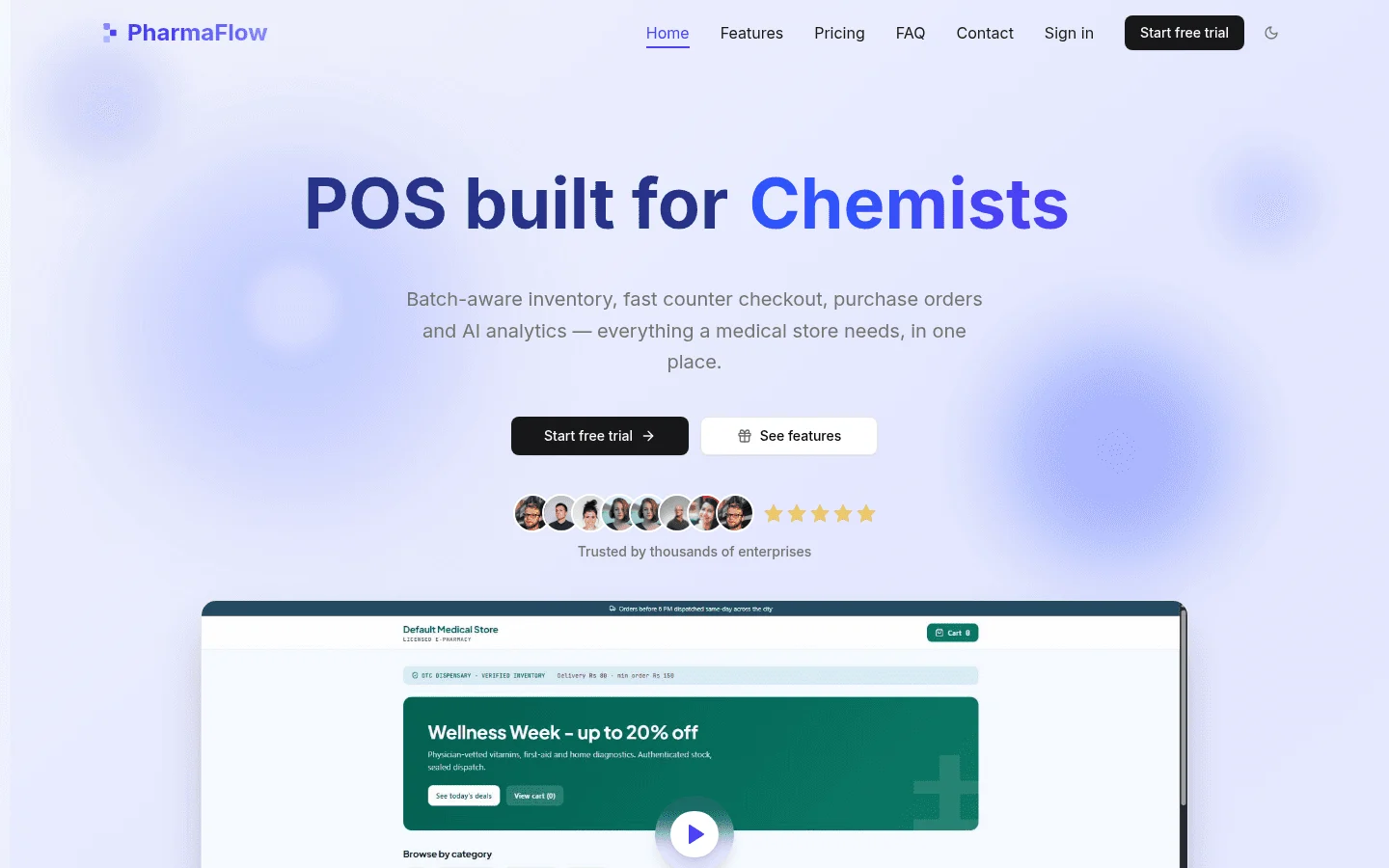
A pharmacy POS with online store works when one stock record feeds the counter, the online store and the reorder list. If the storefront keeps its own count, it will sell stock you no longer have, and the reorder that should have fired won't. PharmaFlow, pharmacy POS software includes an online storefront, and it is one option to test against the checklist below.
Whether you run a pharmacy, a drugstore or a medical store, the test is the same. This guide is for independent pharmacies and drugstores in the US and Canada that run a counter and want to sell online from the same stock. It covers what to verify, what to ask a vendor, and how to test a system before you sign.
1Can a pharmacy POS also run an online store?
Yes, but only if the counter sale, the online order and the reorder list share one record. Most systems can show an online order next to a counter sale. The question is whether both draw on the same product code, the same batches and the same stock figure, or whether the storefront keeps a copy that is updated later.
A copy is the problem. A sync that runs overnight can leave the storefront selling the last box of something the counter sold at nine in the morning. The buyer's test is simple: change stock at the counter, then check the online figure straight away. If the two numbers differ, or the storefront shows the old figure until the next sync, move on.
The pharmacy online store software guide covers the same single-stock idea in more depth.
2What must one stock record do across three channels?
Take one product: a 30-tablet pack of an over-the-counter allergy tablet, held in three batches with expiry dates in March, June and November. A customer buys one at the counter. Another orders one online for pickup. Stock then drops below the minimum level, so the reorder list suggests a purchase.
Each of those events has to read and write the same record. The table shows what that looks like.
| Channel or event | What it reads | What it writes |
|---|---|---|
| Counter sale | Stock on hand for the product code, and its batches sorted by expiry date | Deducts from the soonest-expiring batch and updates stock on hand |
| Online order | The same product code, batches and stock on hand | Reserves and deducts from the soonest-expiring batch, so the counter sees it at once |
| Return | The original sale and its batch number | Holds the item for a staff check, then returns it to its own batch |
| Supplier delivery | The purchase order and the expected quantity | Creates a batch with its batch number and expiry date |
| Reorder list | Stock on hand, minimum levels and sales from both channels | Suggests order lines, one per supplier |
Whether the store is in Texas or Ontario, the logic is the same. If any row is handled by a spreadsheet, or by a sync that runs overnight, expect mismatches. Ask for a demo of that exact product, not a generic tour.
3What should a pharmacy POS with online store include?
Use this table as your shortlist. The right-hand column is the question to put to any vendor, PharmaFlow included. Ask for each answer on a live screen, not from a brochure.
| Feature | What good looks like | Ask the vendor |
|---|---|---|
| Fast point of sale | Prescription and over-the-counter items on one screen, quick enough for a queue | "Show me a 20-item sale with a prescription line, timed." |
| FEFO batch and expiry tracking | Each batch carries its own expiry date, and sales draw from the soonest | "Which batch does a sale pick, and can staff override it?" |
| Purchase orders and suppliers | Orders raised per supplier, with batch and expiry captured at goods receipt | "What happens to batch and expiry when I receive a delivery?" |
| Sales and customer balances | Balances visible at the counter and online | "Does one customer balance work at the counter and in the online store?" |
| Analytics | Sales and stock by product, batch and channel | "Can I see counter and online sales for one product in one report?" |
| Online storefront | Listings drawn from the same product record, with a flag for what may be sold online | "Where is the online-allowed flag set, and who can change it?" |
| Reorder list | Suggested orders from stock on hand, minimum levels and sales across both channels | "Does the reorder list count online orders?" |
| Supplier price comparison | Each supplier's price per unit and pack size side by side before you order | "Is this built in, or do I export and compare by hand?" |
Treat "export it to a spreadsheet" as a gap, not a feature.
Also ask which e-prescribing or pharmacy management software the POS connects to, and whether that link is built in or custom work. Do not assume a connection exists because a vendor lists it. If a link is missing, a custom integration can be scoped through API development.
4How does FEFO work when an order comes online?
FEFO means first expired, first out. The batch with the nearest expiry date leaves first, whether the sale happens at the counter or on the website. That is the short version. Here the question is narrower: where in the system is the rule enforced?
For the batch logic in more depth, read FEFO inventory for pharmacies.
Ask which FEFO rule applies at picking, and where. The answer may differ for the counter, the storefront and a back-room pick. Ask whether the system was built for expiry-based picking or only tracks expiry dates. A system that records an expiry date but doesn't use it when picking will still send the wrong batch.
Picking an online order
A storefront that handles this properly should do the following:
- The customer orders a product code.
- The system checks stock by batch, not just the total.
- It allocates from the batch with the nearest expiry date that still has stock.
- If that batch cannot cover the line, the system splits the line into the next batch and shows the picker both batch numbers.
- If stock runs out, the storefront shows the item as unavailable, and staff get a short-stock alert. Nobody should find the gap at the packing bench.
Home-delivery orders should follow the same steps as pickup orders. Ask the vendor to show one on screen.
Returns and restocking
A returned item should go back to its own batch, with its original expiry date, not into the newest batch. Hold it in a return status until a staff member has checked the packaging and condition. Only then should it count as sellable stock.
The returns step to avoid is the one with no batch record. Once an item is mixed in, you lose the expiry trail. Ask the vendor: "Can a return go back to its original batch, and can it be held before it's sellable?"
5Which products can an online store sell?
An online store is a sales channel. It is not a prescription check. The system will list whatever you tell it to list, so the decision about what goes online sits with you and your regulator.
Over-the-counter lines are the usual starting point. Prescription and controlled lines need extra steps, and the checks your jurisdiction requires before a sale still apply online.
Before setup, write down the product categories that may be sold online and confirm the list with your regulator. Then ask the vendor where that setting lives and who can change it.
Do not assume a POS verifies a prescription because it records one. Ask the vendor, in writing, what it checks and what it leaves to your staff.
6How do US and Canadian rules affect online sales?
Rules for selling medicines online are set by country, then by state or province. This section is a starting point, not legal advice. Confirm each point with your regulator before you launch.
United States: state boards and DEA
Online pharmacy licensing sits with each state's board of pharmacy, and the rules vary by state. Controlled substances carry extra federal and state requirements, and DEA reporting applies to them. Some online guides understate these steps, so do not rely on a summary.
The statute is a starting point to read: 21 U.S.C. § 831. Confirm the exact steps for your state with the board of pharmacy, and the controlled-substance steps with the DEA, before you list anything online.
Canada: provincial regulators
Each province's regulator sets its own position on online pharmacy, so the answer depends on where your pharmacy is licensed. The Ontario College of Pharmacists publishes a fact sheet on internet pharmacies. It shows how one regulator frames the question.
For any other province, find the regulator, read its current position on online sales, and get that position in writing before you launch. A general guide, including this one, is not a substitute.
7How do you compare supplier prices before a reorder?
Many pharmacies reorder from the same supplier by habit. A supplier price comparison becomes practical when the reorder list is built from one stock number, because the system already knows what is on hand and what has sold across both channels.
For each product code, the reorder list should show stock on hand across both channels, the minimum level and recent sales. It should then show one line per supplier, with pack size, pack price, price per unit and delivery time.
The table below is a hypothetical layout. The values are placeholders, so replace them with your own quotes.
| Supplier | Pack size | Pack price | Price per unit | Delivery time |
|---|---|---|---|---|
| Supplier A (example) | 30 | [pack price A] | [pack price A] ÷ 30 | [days] |
| Supplier B (example) | 50 | [pack price B] | [pack price B] ÷ 50 | [days] |
| Supplier C (example) | 20 | [pack price C] | [pack price C] ÷ 20 | [days] |
Compare per unit, not per pack, because pack sizes differ. Pick the lowest price per unit that can deliver the full quantity in the time you need. If no single supplier can cover the order, split the line rather than buying the wrong pack size.
Ask the vendor in the demo whether this comparison is built in or done by export. Do not assume it is built in.
8What does a pharmacy POS with online store cost in total?
Software plans and hardware prices vary by vendor and change often, so get them in writing. The cost drivers are the same across systems.
| Cost driver | What to ask for in writing |
|---|---|
| Software plan | Monthly or annual fee, what it includes, and what counts as an extra |
| Hardware per till | Terminal, scanner, printer and card reader, per station |
| Online store setup | Product listings, payment set-up, and any extra charge for the storefront |
| Data import | Product, batch, supplier and customer records from your current system |
| Staff training | Who trains, how many sessions, and whether training is included |
| Ongoing support | Response times, updates, and who pays for changes to the store |
Ask for a single written total for the first year that covers every line above. A price that appears only as a monthly "from" figure often hides set-up and hardware costs.
For PharmaFlow's current plans, see PharmaFlow pricing. If you need a custom build rather than a ready-made system, the software development cost calculator gives you an estimate to test against. For build costs in more detail, read POS software development cost.
9Off-the-shelf or custom: when does each fit?
A ready-made pharmacy POS suits most single stores. It starts sooner, its features are known in advance, and you can usually test it before you commit.
A custom build suits a chain with its own rules, stock moving between sites, or an unusual workflow that no ready-made product handles well. For a chain, ask how stock moves between sites and whether the online store can draw from more than one site.
Treevoxa offers both. PharmaFlow is ready-made, and custom builds are available through POS software development. When you compare a build with a subscription, count the cost of changes over three years, not only the first year's fee.
10How do you test a vendor before you sign?
Run these five steps on your own product list, not the vendor's demo data.
- Count one product across the counter and the online store. Sell one at the counter and place one online order for the same product code. Both should reduce the same stock figure at once.
- Sell the soonest-expiring batch online. Set up two batches with different expiry dates, place an online order, and check which batch it picks. If staff can override the choice, note that too.
- Run a reorder with two suppliers. Build the reorder list for a product that two suppliers carry, and compare the per-unit prices.
- Export a month of sales. Check that the file opens outside the system and shows batch and channel.
- Confirm who owns the data and the code. Ask in writing who owns the data, whether you can export all of it, and whether you receive source code for any custom work. Treevoxa's own position is that you own the code and accounts. Ask every vendor to confirm the same in writing.
Score each step pass or fail against the feature table above. A system that passes all five on your own stock list belongs on your shortlist. Keep the written answers from each step, so you can compare vendors on the same facts.
If you want these five steps run against your own stock list with a team that builds this kind of system, contact us. We agree overlap hours with you, so the session fits your working day.
11The bottom line on a pharmacy POS with online store
A pharmacy POS with online store earns its place when it passes the same five steps on your own stock list. Keep the written answers, compare vendors on the same facts, and choose only after the test. One stock record, one expiry rule and one written first-year total are the marks of a system built for the counter and the website alike.