
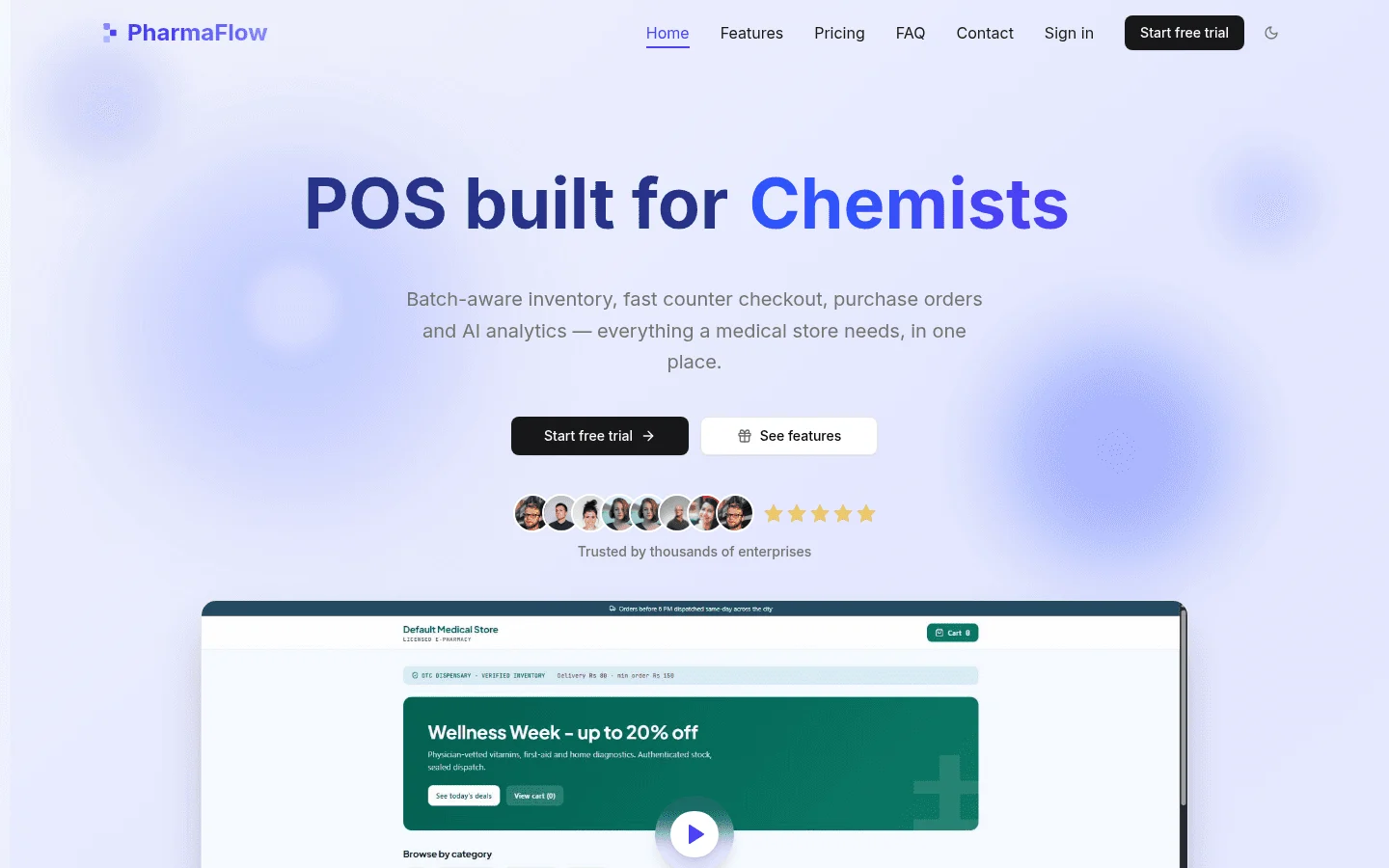
In short, a pharmacy POS runs the sale at the counter, while a pharmacy management system runs the work behind it. A POS handles scanning, payment, the receipt and the stock count that drops when a pack leaves. A management system handles prescriptions, dispensing, insurance claims, compliance records and patient files. So when you compare pharmacy POS vs pharmacy management system, the deciding question is what the software must do besides the till. A pharmacy that dispenses prescriptions and bills insurers usually needs a management system. Some pharmacies can run the counter on a POS alone, and some need both. PharmaFlow, pharmacy POS software is built for the counter side. Its listed features include fast point of sale, FEFO batch and expiry inventory, purchasing, customer balances, analytics and an online storefront. Dispensing, claims and clinical records are not on that list, so check them separately.
1Pharmacy POS vs pharmacy management system: what differs?
Vendors and review sites use these terms loosely, so define them first. In this article, a POS, or point of sale, is the software that runs the sale. It scans items, takes payment, prints a receipt and reduces stock when something sells. In a pharmacy, that is the pharmacy point of sale.
A pharmacy management system covers more. It handles prescriptions, dispensing, claims, compliance and patient records. Wikipedia's entry on pharmacy management systems gives a neutral starting definition if you want a reference point.
Is pharmacy management software the same as a POS? No. A POS runs the sale, while pharmacy management software runs the work behind it. Vendors sometimes call pharmacy management software a POS, and the reverse happens too, so read the feature list rather than the label.
The table shows where each one usually stops. The PharmaFlow column lists only features on its product page. Anything it does not list is marked as a question for the vendor.
| Job | Typical POS | Typical pharmacy management system | PharmaFlow |
|---|---|---|---|
| Counter sale | Core job: sale, payment, receipt | Often included | Fast point of sale |
| Stock and expiry | Basic stock; batch and expiry only if the POS supports it | Batch and expiry tracking | FEFO batch and expiry inventory |
| Purchasing | Basic, or none | Purchase orders and supplier records | Purchase orders and suppliers |
| Prescriptions and claims | Usually not covered | Core job | Not listed; ask the vendor |
| Patient records | Basic customer details | Profiles, refill history, clinical notes | Customer balances; clinical records not listed, so ask the vendor |
| Reporting | Sales reports | Clinical and operational reports | Analytics |
| Online sales | Varies | Varies | Online storefront |
Use the table as a checklist. If a product covers only the POS column, it is a POS. If it also covers the management system column, it is a management system, whatever the vendor calls it.
2Can a retail POS run a pharmacy?
Sometimes, for part of the job. A well set up POS with batch and expiry control can handle the counter for some pharmacies and medical stores. This is most likely where sales are mostly over-the-counter products, health and wellness items and a limited range of medicines.
The trouble starts when the counter has to connect to dispensing. A retail POS usually falls short in these areas:
- Prescription intake and the dispensing workflow
- Insurance billing and claim responses
- Controlled-substance logging
- Patient profiles, refill history and clinical notes
Rules differ by country, and by state or province. What must be recorded, how long records are kept and who may do what all depend on where you trade. Before you assume any system handles those duties, ask your state board or provincial regulator what your counter must capture.
3Are Clover or Square acceptable for a pharmacy?
This article does not assess Clover or Square, and it does not rule either in or out. A general POS suits a pharmacy only if it does the jobs your pharmacy needs: batch and expiry control, links to dispensing, the records your regulator requires and the reporting you rely on. Use the checklist later in this article, and ask the vendor to answer each point in writing.
4Do I need both, or does one system cover the counter?
There are two common setups.
One system covers both jobs. The pharmacy runs a single pharmacy management system that handles dispensing, claims, records and the till. This is the simplest to support: one stock count, one set of users and one vendor to call.
Two systems connect. The pharmacy keeps its current pharmacy management software for dispensing and records, and adds a dedicated POS for the counter. This works well when the current system is sound but the till is slow, the expiry handling is weak or the counter team needs a different interface. It only works if the two systems share data reliably.
The integration path matters more than the brand. Before you sign, confirm which systems the POS connects to, how the link works, who maintains it and what happens to sales when one side is down. Get those answers in writing. 'We integrate with most systems' is not an answer.
If your current pharmacy management software works, adding a POS may be the smaller change. Replacing a system that dispenses, bills and keeps records is a bigger project. It involves migration, retraining and a period of double-checking. Do not replace the system just to fix the till unless the till is the real problem.
If no off-the-shelf POS fits your current system, a custom build is one option. Treevoxa's POS software development service covers that route. For the trade-offs between a custom and an off-the-shelf POS, read custom POS vs off-the-shelf POS. Weigh them before you commit to either path.
How do you know you need a management system?
If you can answer yes to several of these, you need a management system behind the counter.
- Does a sale depend on a dispensing record being completed first?
- Do you bill insurers, and do you need claim status and rejections tracked in one place?
- Do you keep patient profiles with refill history and reminders?
- Do you keep clinical notes, allergy details or counselling records next to sales?
- Do you log controlled substances, and does your current record hold the detail your state requires?
- Do staff need to check a patient's prescription history before handing over a medicine?
If most of these are no, a POS may be enough, provided it handles expiry and stock properly.
5Can one stock number serve the counter and reorders?
A single stock number means each item has one count. The counter sale, the online store and the reorder list all read from the same figure. When a pack sells at the till, it leaves the online listing. When a line falls to its minimum, it appears on the reorder list.
Without this, the same bottle can sell twice: once at the counter and once online, because the online store was working from a stale spreadsheet. Reordering goes wrong in the same way, with staff ordering from memory or from last week's list.
PharmaFlow's listed features include an online storefront, purchasing with suppliers and analytics. Confirm that all of them read one stock count, and ask the vendor to show what happens when a pack sells online and at the counter in the same hour.
Ask whether the POS, the online store and the reorder list draw from one count, or whether each keeps its own. Then ask whether the reorder list can show prices from more than one supplier for the same item before a purchase order goes out.
6How does expiry stock get sold first?
FEFO means first expired, first out. The batch with the nearest expiry date sells first, whatever day it arrived. FIFO, first in, first out, sells by purchase date instead. The two rules can give different answers when a later delivery expires sooner.
This matters at the counter because stock can expire on the shelf while the team sells newer packs with longer to run. Expiry-first logic makes the till offer the right batch. It also shows in stock reports, so the team can see what expires in the coming months and act before it becomes a write-off.
Suppose a shelf holds two batches of the same product. Batch A expires in March. Batch B expires in September but was received first. FIFO sells Batch B first, so Batch A keeps approaching its date. FEFO sells Batch A first. This is a hypothetical example, not a result from any real pharmacy.
FEFO inventory is the rule that makes this work in the till. For a fuller explanation, read FEFO inventory for pharmacies.
Expiry tracking only works if the system records batch and expiry date at receipt, and the counter picks the batch automatically. If staff have to choose batches by hand, mistakes creep in. Ask any vendor to demonstrate this using a sample of your own stock list.
7Can a pharmacy POS keep trading if the internet goes down?
Many owners ask this, and the answer depends on the product. Do not assume a POS can keep trading offline. Ask each vendor what still works without a connection, whether sales are held, how the stock count stays right and how held sales sync once the connection returns. A till that stops when the internet drops stops the shop, so get the answer in writing before you sign.
8How much does pharmacy management software cost per month?
A monthly fee is only part of the cost. This article does not quote competitor prices, because those figures change and a number printed here would be out of date soon after publication. Check each vendor's live pricing before you budget.
Cost depends on:
- Number of users and tills
- Modules: dispensing, claims, purchasing, reporting, online store
- Hardware: terminals, scanners, printers and card readers
- Support and hosting
- Data migration from your current system
- Staff training, and the time staff spend away from the till
- Custom work, if you need an integration no vendor supports
Migration and training are easy to leave out of a quote. A low monthly fee can cost more than expected if the move takes weeks of double entry. Ask every vendor for a written migration and training plan, with timings.
For PharmaFlow, see current plans on the PharmaFlow pricing page, and get the terms in writing before you sign.
9How long does it take to set up a pharmacy POS?
This article does not give a set-up time. It depends on how much data you move, how many tills you run and how much training your staff need. Ask each vendor for a written migration and training plan with timings, and check what that plan asks your own team to do.
10Do DSCSA requirements change which system you need?
This section covers US pharmacies only. DSCSA, the Drug Supply Chain Security Act, is about traceability. It sets out how prescription drugs are tracked through the supply chain, so products can be traced and suspect products identified. For a dispenser, that can change what must be recorded and passed on, and whether the system can capture and send that data.
The small-dispenser deadline has moved, and older pages may still show the earlier date. According to reporting on the FDA action of 6 August 2026, the small-dispenser exemption now runs to 27 November 2027. One example is this summary of the FDA extension from BIPC.
Whether the exemption applies to you depends on your staffing, so check your position against FDA's terms. Before you plan any system change around a DSCSA date, confirm it on FDA's own exemptions page and with your state board. Do not rely on a vendor's date alone.
Two points hold whatever the date:
- Ask each vendor which DSCSA requirements its system covers, and in which version. A general 'DSCSA ready' claim is not enough. PharmaFlow's listed features do not include DSCSA support, so ask about it directly.
- Confirm your record retention period with your state board before you set one. Then check that the system can keep records for that long and export them.
Whatever the date, the records have to live somewhere. A pharmacy management system is more likely than a retail POS to hold them. Get the vendor's answer on DSCSA in writing.
11Does DSCSA apply to pharmacies in Canada?
DSCSA is a US law and does not apply to Canadian pharmacies. In Canada, pharmacy practice is regulated province by province, and each provincial regulator sets the rules for records and dispensing in its area.
This article does not set out Canadian requirements. Before you choose a system, ask your provincial regulator what your counter and dispensing records must capture and how long they must be kept. Then put those questions to each vendor in writing.
12What should you check before you sign?
Use this list with each vendor. Ask for the answers in writing.
| Item | Why it matters | What to ask the vendor |
|---|---|---|
| Jobs covered | Shows whether it runs the sale only, or dispensing and records too | Which of these do you handle natively: sale, dispensing, claims, patient records? |
| Integration with your current system | A POS that cannot talk to your management system creates double entry | Which systems do you connect to, how does the link work, and who maintains it? |
| Expiry and batch handling | Sales should pick the right batch without staff choosing by hand | Does the counter sell expiry-first, and can I see batches by expiry date? |
| Stock sync across counter, online store and reorders | Stops the same bottle being sold twice | Do the till, online store and reorder list read one stock count? |
| Supplier price data | Helps buyers choose where to reorder | Can the reorder list show prices from more than one supplier? |
| Offline operation | A till that stops when the internet drops stops the shop | What still works offline, and how are sales synced afterwards? |
| Data export and ownership | You need your records if you change systems | Who owns the data, and how do I export all of it in a usable format? |
| Migration and training | Often the largest hidden cost | What do you move, what must we do, and how long does training take? |
| Regulatory coverage | Rules differ by country, state and province | Which DSCSA and provincial or state requirements does the system cover, and in which version? |
| Pricing terms in writing | Avoids surprises after go-live | What is included, what costs extra, and what changes at renewal? |
13Which should a pharmacy choose first?
Start with the work the pharmacy cannot do without.
If you dispense prescriptions, bill insurers and keep patient records, start with a pharmacy management system. Add a POS if the counter needs more speed or better expiry handling.
If your main problems are a slow or unreliable counter, expiry stock that is not sold first, and no single stock number across the counter, online store and reorder list, a dedicated pharmacy POS may fit. Check that it connects to what you already run.
If you are not sure, list your last five problems at the counter and in the back office. Sort each one into sale, stock, reorder, prescription or records. The group with the most problems tells you where to start.
Put simply, pharmacy POS vs pharmacy management system is a question of scope, not brand. Write your must-have jobs down and check each vendor against them in writing. The product that covers the jobs you cannot do without is the one to start with.