
A gym CRM for trial member follow-up is software that logs every trial sign-up, runs a fixed sequence of messages and shows staff who to contact next. It closes one specific leak: someone books an intro class, comes once and never hears from the gym again. You can run a version of this by hand, and this guide gives you a dated sequence to copy. It also covers texting consent in Canada and the United States, and how a CRM should sit alongside your gym management software, such as FitZone Pro.
1Why do trial members go quiet after the first visit?
Trial members rarely decide against the gym on their first visit. More often, nobody makes the next step easy.
Here is a common pattern. Someone books an intro class online, turns up, enjoys it and goes home. The front desk assumes the coach will call. The coach assumes the desk has it. No second visit gets booked, and the lead fades.
Three causes are worth checking in your own gym:
- No next step is booked. The member leaves without a second visit in the diary.
- Nobody owns the follow-up. Each person assumes someone else is making the call.
- The gym finds out late. The trial ends, and the gap only shows up in month-end figures.
A trial sign-up is someone who has already tried the gym and said yes to a visit. That interest is worth protecting, and it is easy to lose when follow-up depends on memory.
2What should trial follow-up look like, day by day?
The trial follow-up sequence below is a starting point, not a proven formula. Adjust it to your timetable and your team. Keep a personal call at the first contact and at the final decision. Use templated messages for bookings and information.
| Day | Channel | Purpose | Who sends it |
|---|---|---|---|
| Day 0 | Phone or in person | Confirm trial details and book the first visit | Front desk |
| Day 1 | Text or email | Written confirmation and a named contact | Front desk, or an automated template |
| Day 3 | Text | Remind the member of the second visit or chosen class | Automated booking reminder |
| Day 5 | Share class times or a coach profile | Automated | |
| Day 8 | Phone call | Ask how the first visit went and answer questions | Named coach or manager |
| Day 12 | Text or email | Short follow-up; any offer only if consent allows it | Named staff member |
| Day 14 | Phone call | Final decision: joined, paused or lost, with a reason | Manager |
| After day 14 | None | Stop automated messages and keep the record | Manager reviews status |
Day 0 and Day 1: welcome and first booking
On the day someone signs up, confirm the trial dates, what is included and the time of the first visit. Don't rely on a verbal ‘see you Thursday.’ Send a written confirmation.
Give the member one named person to contact, with a name and a direct number. ‘The front desk’ is not a contact. Book the first visit before they leave the building.
Days 3 to 7: the nudge and the second visit
Remind the member of their second visit or the class they chose. Keep these messages to bookings and information.
A reminder that a class starts at 6pm is informational. A message saying ‘join this week and save’ is promotional. The two need different consent, so keep them in separate sequences.
Days 8 to 14: the offer and the call
Make the call. Ask what they liked, what put them off and what they hope to get from the gym. If a call isn't possible, a short message from a named staff member can do the job.
Any discount or offer is promotional. Check consent before you send it, and don't add an offer to a booking reminder just because the member is in your system.
After day 14: close the loop
Mark each trial as joined, lost or paused. Record a reason in a few words, such as ‘price’, ‘timetable’, ‘moved away’ or ‘no reply.’
Stop automated messages when the sequence ends. Don't keep sending offers to people who have said no. The recorded reasons show what to fix. If the same reason keeps appearing, look at your gym before you blame the member.
3Can a gym CRM for trial member follow-up run automatically?
Some can, if the product supports scheduled and triggered messages. Booking reminders, such as the day 3 message, are the simplest to automate. A discount message needs consent checks first, and a final decision call needs a person, not a template.
Ask the vendor to confirm in writing which messages it sends on a schedule, how it records an opt-out, and whether it can hold promotional messages back from anyone without consent.
4Can you run trial follow-up without buying software?
Yes, if you handle a handful of trials a week. Start with a shared spreadsheet or the notes area of a system you already use. Give it one row per trial member and these columns:
- Member name
- Trial start date
- First visit date
- Next step
- Due date
- Status (open, joined, paused or lost)
- Owner
Each row needs one owner, not a team. Then hold a ten-minute review at the same time every day. The person on duty checks what is due and works through it.
A spreadsheet breaks down in predictable places. It struggles when you run several trials a week, when you have more than one site, or when staff regularly miss follow-ups. Visits go unrecorded unless someone types them in, and online sign-ups can sit unseen for days. At that point the sheet is a guess, not a record.
5Is a gym CRM worth it for a small gym?
A gym CRM is worth it when follow-up tasks are being missed, not when you reach a set member count. Look at a normal week. Who makes each call? Which trials are waiting for a next step? Does every task get done?
If the answers are unclear, the process is leaking, and a spreadsheet won't fix that on its own. If nothing slips, a spreadsheet may be enough for now.
Renewals and failed payments are separate jobs. This guide doesn't cover them, so keep trial follow-up on its own track.
Signs your follow-up is falling through
Check your process against this list. Two or more ticks suggest your follow-up is leaking:
- Trials with no next step recorded
- Calls made late, often after the trial has ended
- No record of who was contacted, or when
- Two staff members contacting the same trial member without knowing
- Owners learning about lost trials only at month end
6What does a CRM for gyms really cost?
The monthly fee is only one line. Prices vary by plan, add-on and location, and some vendors only quote on request. Prices in reviews can lag behind live pricing pages, so check the vendor's site and get the figure in writing before you budget. For a wider look at custom CRM prices in USD, see CRM development cost: custom CRM vs a subscription.
Compare the cost lines, not the headline number:
| Cost line | What it covers | What to ask for in writing |
|---|---|---|
| Subscription | Licence per location or per user | Price per location, what each plan includes, and when prices can change |
| Setup | Account set-up, sequence building and training | Whether setup is a one-off fee and what it includes |
| Staff time | Building sequences, loading records and the daily review | Your own estimate of hours a week, written down before you buy |
| Access system integration | Connecting fingerprint, face or turnstile terminals to member records | Which terminals are supported, and who does the work |
| Data migration | Moving existing member and trial records | Who moves the data, and in what format you can take it back |
State your assumptions beside every number: how many locations, how many staff will use the system, whether you already have an access system, and whether existing data needs moving. A quote built on different assumptions can't be compared with yours.
If you want a custom CRM rather than an off-the-shelf tool, CRM development covers the build. Treevoxa works to a written scope, a fixed price and a launch date, all agreed before work starts, and you own the code and accounts. For a rough build estimate, the software development cost calculator is a place to start.
7What consent do you need before texting trial members?
Good texting consent starts before the first message. Before you send a text, you need to know three things: who is sending it, what it is for, and how the person can stop receiving it. Keep a record of who agreed, when and how.
This is general information, not legal advice. Rules differ by country and by type of message, and they change. Before a campaign starts, check the current requirements on the CRTC site for Canada and the FCC site for the United States, and have a lawyer who works on marketing law review your sequence.
Canada: CASL and electronic messages
Canada's anti-spam law, CASL, covers commercial electronic messages, including texts and emails. In general, a business sending them needs to:
- Obtain consent before sending
- Identify itself clearly as the sender
- Include an unsubscribe option that works, and act on it promptly
Implied consent may apply where you already have a business relationship, such as an active membership or a recent trial. It isn't open-ended. It runs for limited periods set out in the CRTC guidance, so check the current time limits before you rely on it. A trial sign-up from a year ago may no longer cover an offer.
United States: TCPA and text messages
In the United States, the Telephone Consumer Protection Act (TCPA) governs automated texts. The key split is between two kinds of message:
- Informational messages, such as appointment and booking reminders.
- Promotional messages, such as discounts or ‘join this week’ offers. Marketing texts need prior express written consent from the recipient.
Confirm the current wording against the FCC's guidance before you send your first offer. Keep trial reminders and offers in separate sequences, so a member who opts out of promotions still gets booking reminders. Also check the FCC's rules on when marketing messages may be sent.
Treevoxa's page on software development for US companies covers that market.
What to collect at sign-up
Collect consent at sign-up, in a form the member completes themselves. Use this checklist:
| Item | Why it matters |
|---|---|
| Full name | Lets staff use a real name in calls and messages |
| Mobile number | Needed for texts; confirm it belongs to the member |
| Opt-in tick box for booking texts | Records consent for informational messages, with the wording shown on screen |
| Separate opt-in tick box for offers | Keeps promotional consent separate and optional |
| Simple opt-out | Every message says how to stop, and the change is recorded against the member |
| Date, time and source of each consent | Shows where consent came from if a member asks |
Leave both tick boxes unticked by default. A box the member ticks is clear evidence of consent. A box staff tick for them is not.
8What should a gym CRM connect to?
A CRM sits beside gym management software, not in place of it. The CRM handles the conversation: who the lead is, what they were told and what happens next. Gym management software handles the operation: member records, check-in, memberships and fees. Gym access control and class check-in belong in the management system.
FitZone Pro is Treevoxa's gym management software. For the ZKTeco side of the front door, see the ZKTeco gym software page. Whether FitZone Pro sends scheduled trial messages, or records trial visits from its terminals, should be confirmed in writing before you plan around it.
If you are weighing a custom build against a package, the custom gym management software guide sets out cost, break-even and build vs buy.
Front door and attendance data
Visit data makes follow-up sharper. A trial member who came back through the door is a different lead from one who has gone quiet. When the access system and the CRM share data, staff can see who returned without checking a list by hand.
Whether that link is possible depends on your access hardware and the software you choose. Ask before you buy. For how attendance can feed membership records, read linking biometric attendance to gym membership fees.
Multi-branch follow-up and reporting
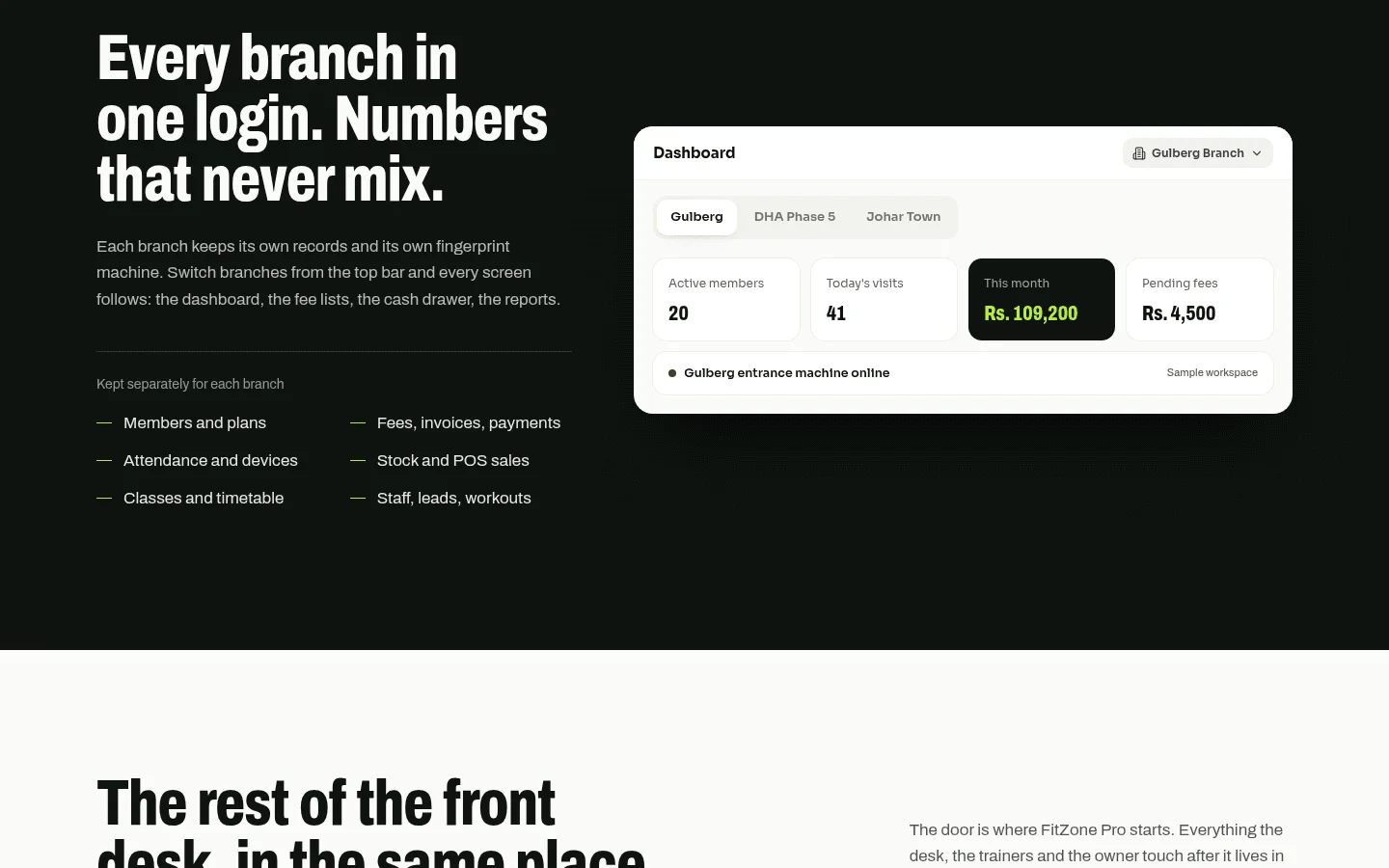
For franchises and multi-site gyms, the owner needs one view of trial numbers across every site. Each branch runs the same sequence with its own staff. The owner then compares trials started, joined, paused and lost, by branch and by reason.
That only works if every branch uses the same stages and reason codes. If each site invents its own, the totals mean little. Agree the stages and reasons once, write them down, and check each branch uses them.
9What should you ask a gym CRM vendor?
Put these questions to every vendor in writing, before you sign. Ask for the answers on one sheet so you can compare them directly.
| Question | Why it matters |
|---|---|
| Does it record consent, and where each consent came from? | You need evidence if a member asks what they agreed to |
| Does it hold marketing messages back from anyone without consent? | Stops offers going out by mistake |
| Does it stop marketing texts outside the hours the rules allow? | Breaches cause complaints and can break local rules |
| Can you export all your data, including consent records? | Protects you if you change systems later |
| Are all prices in writing, including setup and per-location fees? | Prevents surprises after go-live |
| Does it connect to your access system, and which terminals? | Visit data only helps if it reaches the CRM |
| Who owns the data and, for a custom build, the code? | You should own your data and your accounts |
Treevoxa's approach is the same as the standard we'd suggest to any buyer: scope, a fixed price and a launch date agreed in writing before work starts, and clients who own the code and accounts. If you'd like these questions talked through for your gym, you can reach the team through the contact page.
A gym CRM for trial member follow-up earns its place when trials go quiet and nobody can see why. Start with a dated sequence, give each trial one owner and record why people leave. Check consent before any offer goes out, and get every price in writing before you commit. A spreadsheet can carry a small gym for a while. When the same follow-ups keep slipping, a dedicated CRM is the next step to price out.