
Gym membership renewal reminders software sends a member a message before their membership ends, so renewing takes one step. Good reminders follow a fixed schedule, state the amount and the term, and stop once the member renews or cancels. Treevoxa builds FitZone Pro gym management software, but this guide applies whichever tool you choose. It covers how renewal reminders should work for gyms, studios and multi-branch operators in Canada and the US.
1How do gym membership reminders work?
A renewal reminder tells a member that their membership is ending, or has just ended, and gives them a way to renew. It is triggered by the member's end date, so no one on your team has to remember to send it. You can automate gym renewal reminders this way by setting the schedule once and letting each end date drive it.
A lapsing member is one whose membership is close to its end date and who has not yet renewed or paid. This is the window where you can still keep them. Once the membership expires, you are chasing someone who has already stopped coming, which is harder and slower.
Reminders tell the member the date and make renewing quick. They also leave a record of who was warned and when. That record matters the first time a member disputes a charge.
2How far ahead should gym renewal reminders go out?
There is no fixed rule. Start with a pattern, test it, and change it only when your figures justify the change. Monthly and annual plans need different timing, so the table below splits them. Treat it as a starting point.
| Timing | Monthly plan | Annual or prepaid plan | Channel | Purpose |
|---|---|---|---|---|
| Early notice | None; too early to help | 30 to 45 days before expiry | Time to decide, update a card or raise a concern | |
| Mid reminder | 3 days before expiry | 14 days before expiry | Confirm the amount and give a renew link | |
| Final reminder | 1 day before expiry | 7 days before expiry | SMS or WhatsApp | Last chance to renew before the date |
| Expiry day | Expiry day | Expiry day | SMS | Membership ends today; renew or pay now |
| After expiry | 3 days after | 14 days after | Lapsed notice, and a win-back offer if your terms allow it |
Test one pattern for a month. Compare how many members renewed after the first reminder with how many needed the last one. If most renew on the first message, the early messages are working. If almost nobody responds until the final reminder, your early notice may be too early or too vague.
Schedule for monthly plans
Monthly members renew about every 30 days, so the schedule has to be tight. Send the mid reminder three days before expiry and the final one the day before. A longer lead time does little for a monthly member, because the next renewal is only weeks away and the message is easy to ignore.
The short cycle also leaves little room for a failed payment. If a card is declined on the due date, the member needs to fix it quickly or lose access. A reminder the day before gives them time to update the card.
For example, a studio in Austin with monthly plans might send a three-day email with the amount and a renew link, an SMS the day before, and a short message on expiry day. The member gets three prompts and a clear end point.
Schedule for annual and prepaid plans
Annual and prepaid members are easy to lose. They paid once, they may visit rarely, and the renewal feels distant until it arrives.
Start 30 to 45 days out with an email that gives the plan name, the end date and the renewal price. Follow up at 14 days and again at 7 days, using SMS or WhatsApp for the last one. The early start gives the member time to decide, change a card or raise a concern before the deadline.
Longer contracts often have their own reminder rules. New York, for example, has specific requirements for terms of a year or more. Check the current statute before you fix your dates, and do not copy a number from a blog, including this one.
3What must every renewal reminder say?
Every renewal message should carry the same core facts. Leave one out and you will get calls from members who are unsure what they are paying.
| Element | Why it matters |
|---|---|
| Member's first name | Shows the message is about them |
| Plan name | Avoids confusion when a member holds more than one plan |
| End date | The deadline they are acting on |
| Exact amount | Matches the charge and avoids disputes |
| How to renew | One link or one step, not a phone call |
| Who to contact | A named desk or number for their branch |
| How to opt out | Required under most consent rules |
Use the same figures in every channel. A member who reads the email and then receives a text should see the same amount and date in both.
The wording must also match the consent and cancellation terms in the membership contract. If the contract requires cancellation in writing, the message should not suggest that a text reply is enough. Mismatches between the message and the contract are where disputes start.
4Should you send reminders by email, text or WhatsApp?
Use more than one channel. Email gives room for detail, while SMS and WhatsApp reach people faster.
| Channel | Reach | Consent | Approval | Cost model |
|---|---|---|---|---|
| Good for detail; easy to miss | Check your contract and local rules | Usually none | Check the vendor's pricing page | |
| SMS | Fast and direct; short messages only | Check the rules for texts before sending | Sender registration may apply | Per message, on top of the licence |
| Strong where members already use it | As for texts | Connected business account and approved templates | Per message, set by the provider and Meta |
WhatsApp needs the most setup. You need a connected business account, and each reminder must use an approved template. Meta's business messaging rules have classed some renewal-type messages as marketing, which changes which templates you can use and what consent you need. Check Meta's current policy directly. Ask your provider which category your renewal messages fall under before you build the sequence around WhatsApp.
For most gyms, a sensible default is email for the early notice and the win-back, and SMS or WhatsApp for the final reminders. Then test it against your own response rates.
5What should happen after a membership expires?
Once a membership has expired, the job shifts from reminding to recovering.
Start with a short win-back message a few days after expiry. It should include the member's name, the date their membership ended, the price to return and one link. Offer a discount only if your contract and local rules allow it.
Next, deal with failed payments and expired cards. Many members lapse because a card expired or a payment bounced, not because they chose to leave. A card-update link in the message lets them fix it in seconds. Retry failed payments on a set schedule rather than by hand. If unpaid balances build up, follow the steps in gym dues recovery.
Then decide what a lapsed member can do at the door. Access should follow the membership status in your system, not a judgement made at the front desk on the day. Set the rule in writing and apply it to every branch. Blocking access and recovering unpaid balances need their own process, and both should match the terms in your membership contract. For the door rule in more detail, see how to block gym members with expired fees at the door.
6Can gym memberships renew automatically in the US and Canada?
In many cases, yes. Gym membership auto-renewal is generally allowed when the member has clearly agreed to it and receives the notices the law requires. The rules differ by state and province. This section is general information, not legal advice.
In the US, the FTC's click-to-cancel amendments were vacated by a federal appeals court in July 2025. Summaries written in 2026 do not agree on what has happened since. Some commentary, such as a Jones Day note on the FTC's revived rule, describes the rule as revived. Confirm the current position on the FTC's own website before you rely on either account. The federal law on automatic renewals sold online, the Restore Online Shoppers' Confidence Act (ROSCA), still applies. PlainRenew's summary sets out that position. This section reflects sources available on 8 November 2026.
California has stricter rules. AB 2863, in force since 1 July 2025, requires express consent to automatic renewal, an annual reminder, advance notice before a price rise, and online cancellation for members who signed up online. For a fuller account, see California's stricter auto-renewal rules.
New York has its own automatic renewal rules, including requirements for longer contracts. Check the current statute before fixing your reminder dates, and get advice from a lawyer in each state where you enrol members.
What do the US rules require before you set up auto-renewal?
Before you switch on automatic renewal for US members, check these points:
- Express consent. The member agrees to automatic renewal clearly at sign-up, not in small print.
- A reminder before renewal, on the schedule your state requires.
- An online cancellation route for anyone who signed up online, where the state requires one.
- Advance notice before any price rise takes effect.
- Any cooling-off period your state gives after sign-up.
Keep a record of each member's consent, including the date and how it was given. If a renewal is disputed, that record is what you will need. Confirm each point with a lawyer for every state where you enrol members.
What do the Canadian rules require for renewal messages?
Canadian owners should check consent and renewal terms with a lawyer before setting up automated renewals or messages. The points below are a starting checklist, not a legal position.
- Consent. Canada's anti-spam law, CASL, generally requires consent before you send commercial electronic messages. Some messages that only give factual information about an existing membership may fall within exemptions. A message that asks for payment or offers a discount is more likely to count as commercial. A lawyer should confirm which side of the line each message falls on.
- Sender identification. Every message should name your business and give a mailing address and a way to contact you.
- Unsubscribe. Include a working unsubscribe mechanism, and honour opt-outs promptly, within the deadline CASL sets.
- Provincial rules. Consumer protection laws on contracts and renewals differ by province. Confirm the position for each province where you enrol members, including Ontario for gyms in the Toronto area.
7How do renewal reminders work for multi-branch gyms?
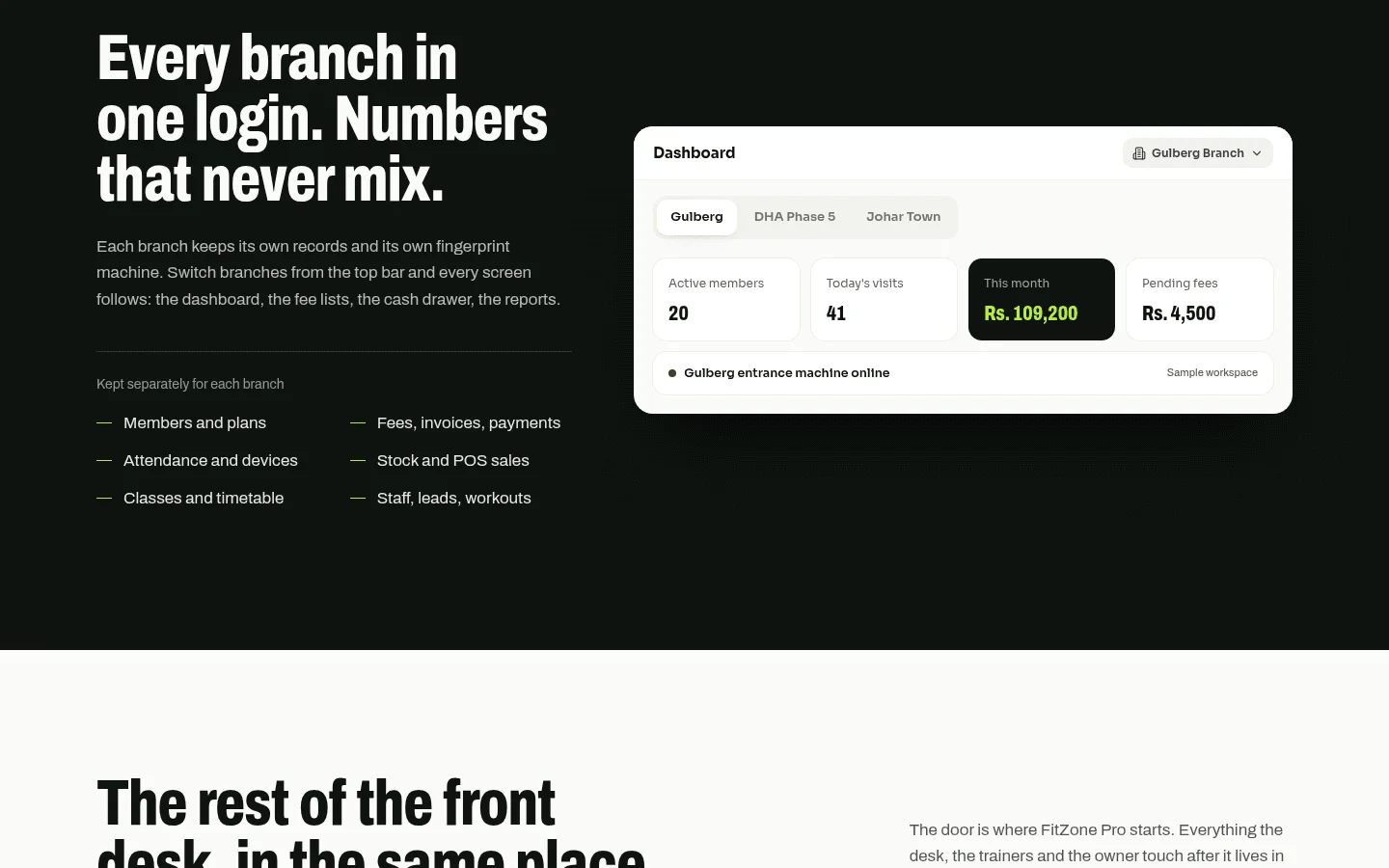
Most reminder tools assume one gym. A multi-branch operator needs the schedule, the templates and the member record to stay consistent across sites, without managing each site by hand.
Consider a hypothetical fitness group with one site in Thornhill and another in downtown Toronto. A member joins in Thornhill and later trains in Toronto. If the two sites keep separate records, that member may get two renewal dates, or none at all. Those conflicts show up at the front desk and in complaints.
The same questions apply to a Denver operator with three sites or a Raleigh group with two. When you assess reminder software for several sites, ask:
- Can each branch have its own schedule and templates, or is everything set centrally?
- When a member moves to another branch, does their renewal history move with them?
- Can head office see which branches have members close to expiry?
- Who can edit a template, and does a change need approval before it goes live?
Get the answers in writing. A member who joins at one branch and renews at another should not receive two conflicting reminders.
8How much does gym reminder software cost?
The monthly licence is only one part of the bill, whether you buy gym management software or a stand-alone reminder tool. Renewal reminder software usually has four cost parts:
- Base licence. The software plan itself.
- Per-location fees. Often charged for each branch.
- Messaging charges. Per email, text or WhatsApp message, or a bundle of them.
- Card processing. A percentage of each card payment plus a fixed charge per transaction, set by your processor.
Pricing pages often leave out the messaging and processing parts, so compare total monthly cost rather than the headline plan. Check each vendor's own pricing page, because comparison articles go out of date quickly. Product pricing sets out Treevoxa's own pricing.
Illustration only. The numbers below are hypothetical, and no vendor prices are shown.
Take a studio group in Austin with three branches and 900 members, 300 at each, all on monthly plans. Each member gets three renewal messages per cycle: three days before, one day before and on expiry day. That is 2,700 messages a month (900 × 3). If your provider charges a fixed rate per message, multiply 2,700 by that rate. Add the base licence, any per-location fees and the card processing on the payments you take.
Then compare the total with what you keep. Suppose the reminders retain 20 members a month who would otherwise lapse. Multiply 20 by your average monthly fee, and set the result against the messaging and licence costs. Use your own member count, your own renewal rate and the vendor's actual rates.
If you are weighing a custom build against an off-the-shelf product, the software development cost calculator gives a rough starting point. For a fuller view of custom build costs, see custom software development cost in 2026.
9Where does FitZone Pro fit alongside renewals?
FitZone Pro links ZKTeco fingerprint and face terminals to member records. For the detail, see ZKTeco gym software. For the link between attendance and fees, see linking biometric attendance to gym membership fees.
Renewal reminders are one part of a wider process. Membership status, fees and door access all depend on the same member record, so a change in one place should show up in the others. Test any product, including FitZone Pro, against the checklist below.
If your schedule, channels or branch rules are specific, contact our team for a scoping conversation before you buy. If you need a system built around your own rules, see custom software development services.
10How do you choose gym membership renewal reminders software?
Use this list to compare any gym reminder software. Get each answer in writing.
- Schedule control. You can set timing by plan type and by branch without raising a support ticket.
- Channel support. Email, SMS and WhatsApp are each available, with the approval steps for each.
- Template approval. Someone signs off the wording before it goes out, and the record shows who did.
- Expiry to door access. A lapsed membership changes access automatically at the entry point.
- Multi-branch control. One view across all sites, with branch-level settings where you need them.
- A clear cost model. Licence, locations, messages and card fees, all shown in writing.
- Data ownership. You can export member data, and you know who holds the accounts. At Treevoxa, you own the code and the accounts.
Write your schedule, message rules and cost limits down before you compare any gym membership renewal reminders software. Then test each option against them. The right tool does what your rules say.